Firstly, don't worry - this isn't a problem with your page. Age-restricted content filters block all sorts of legitimate 18+ sites.
Their network is blocking the page
Some networks have parental controls or adult content locks. They block certain categories of website. Tattoos fall into that age-restricted bucket for some providers, with gambling sites, alcohol brands, and anything else flagged "18+" 🌶️
If a client sees this, it's really a "networks being overly cautious" problem, not a "something's wrong with Get Ink" problem.
Frustratingly, the warning message can look like a security issue, similar to this:
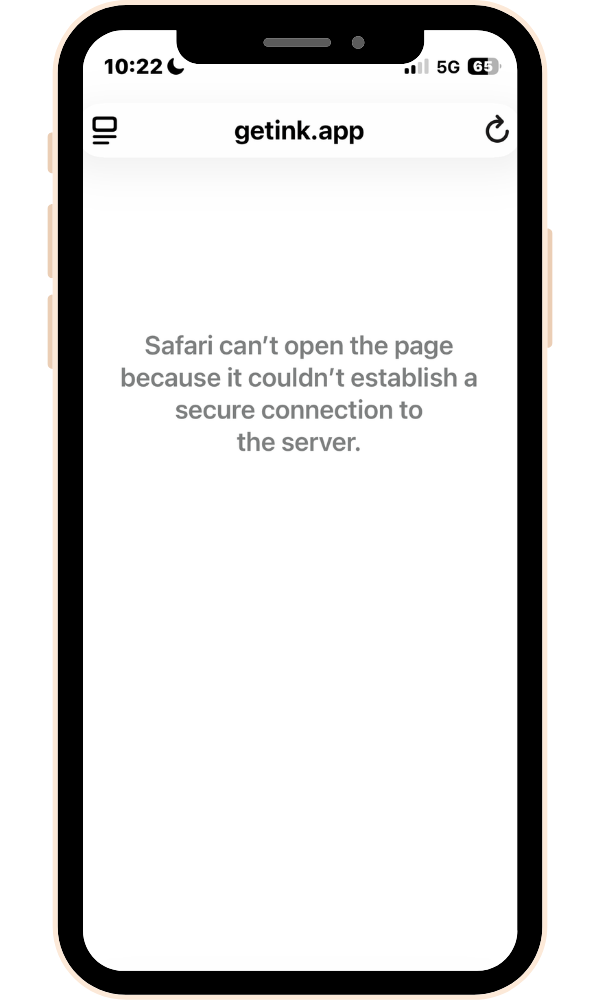
How to fix it
The first thing for the client to try is simply switching between Wi-Fi and mobile data - if that works, they know the problem.
The other thing to try is open the link in another browser. Instagram and TikTok browsers can have their own blocks in place, so opening the link in a regular browser can sometimes help.
Turning parental controls off
If those two things don't help then all network providers allow you to change your content settings, to allow 18+ websites. These are usually found on the provider's app or website.
Here are a few handy guides for different providers.
Sky Mobile - Parental controls
Once the filter or content lock has been turned off then your page will be available 🙌
