Firstly, don't worry - this isn't a problem with the app. Age-restricted content filters block all sorts of legitimate 18+ sites.
Your network could be blocking the page
Some networks have parental controls or adult content locks. They block certain categories of website. Tattoos fall into that age-restricted bucket for some providers, with gambling sites, alcohol brands, and anything else flagged "18+" 🌶️
If you sees this, it's really a "networks being overly cautious" problem, not a "something's wrong with Get Ink" problem.
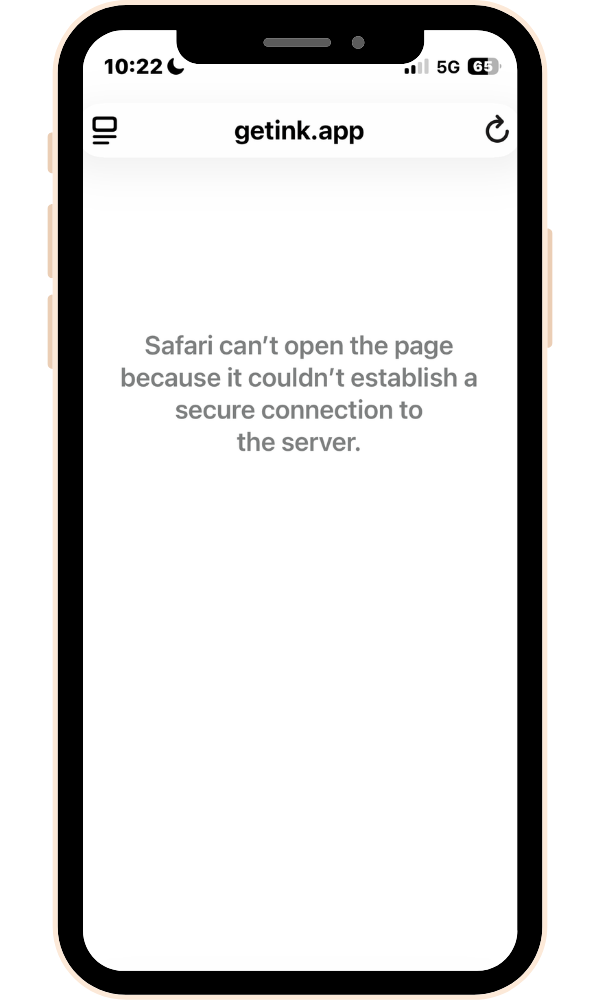
Frustratingly, the warning message can look like a security issue, similar to this:
How to fix it
The first thing for you to try is simply switching between Wi-Fi and mobile data - if that works, you know the problem.
Turning parental controls off
If that doesn't help then all network providers allow you to change your content settings, to allow 18+ websites. These are usually found on the provider's app or website.
Here are a few handy guides for different providers.
Sky Mobile - Parental controls
Once the filter or content lock has been turned off then the login page should work again.
If you have any problems or need a hand, please send us a DM or email ✌️
